

Skip to content
Kora Skills Academy

Premiere Pro Fast-Track

Go from raw footage to a client-ready edit in three weeks

4.9 612 enrolled 8 lessons 2h 47m Beginner
Brian Otieno

Brian Otieno

Lead editor, commercial work

Premiere Pro Fast-Track
KES 4,500 KES 7,500 Save 40%

One payment. Lifetime access, including future updates.

  • 8 video lessons (2h 47m)
  • Downloadable project files
  • Lifetime access on any device
  • Certificate when you finish
  • Ask questions in the student group

TOOLS COVERED

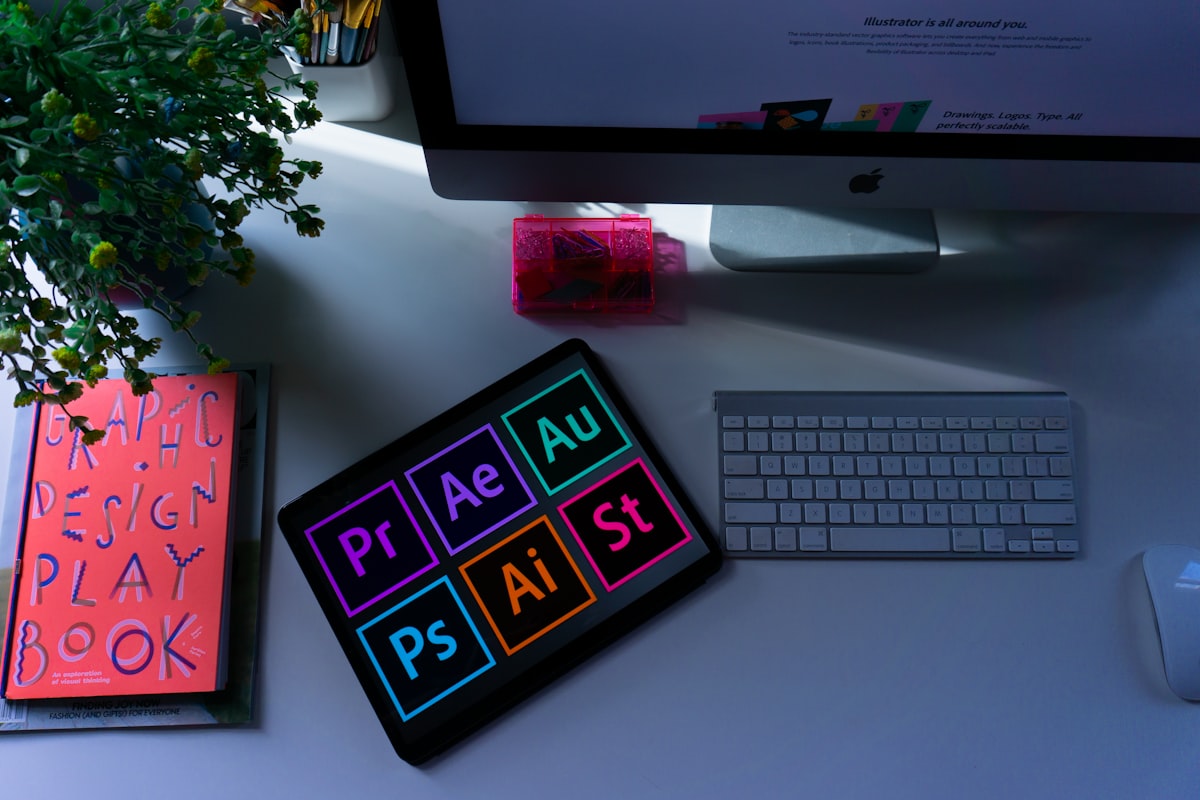
Adobe Premiere Pro Adobe Audition Media Encoder

WHAT YOU LEAVE WITH

  • Set up a project and media structure that never loses a file
  • Cut dialogue and B-roll to a rhythm that holds attention
  • Clean up bad audio with EQ, compression and noise reduction
  • Colour correct footage shot in mixed lighting
  • Export the right master for TV, YouTube, Instagram and WhatsApp

About this course

This is the course we wish existed when we started editing for Nairobi agencies. You learn Premiere Pro the way it is actually used on a job: ingest a messy card of footage, build a timeline that stays organised, cut for story, fix the audio, and export a master that survives WhatsApp compression.

Every module ends with a build step, so by the last lesson you have three finished pieces for your portfolio: a 60-second brand spot, an event highlight reel, and a talking-head interview cut.

Curriculum

8 lessons · 2h 47m

Set up 2 lessons · 32 min
  • Tour of the Premiere workspace

    Panels, workspaces and the five shortcuts you will use all day.

    Free preview
  • Ingest, proxies and folder structure

    Build a project that still opens six months later.

    18 min
Cutting 2 lessons · 48 min
  • The rough cut: story before polish

    Selects, stringouts and cutting to the spine of the story.

    Free preview
  • J-cuts, L-cuts and pacing

    Why your edit feels slow, and the three cuts that fix it.

    22 min
Sound 1 lessons · 24 min
  • Fixing bad location audio

    Noise reduction, EQ and levels that pass broadcast checks.

    24 min
Finish 3 lessons · 63 min
  • Colour correction basics with Lumetri

    Match shots and set a look without crushing skin tones.

    28 min
  • Titles, lower thirds and safe margins

    Type that reads on a phone screen.

    16 min
  • Export presets for every client platform

    One master, five deliverables, no quality loss.

    19 min

What you need before starting

  • A laptop with 8GB RAM or more
  • A trial or licensed copy of Premiere Pro
  • No editing experience needed

KEEP GOING

Students also took